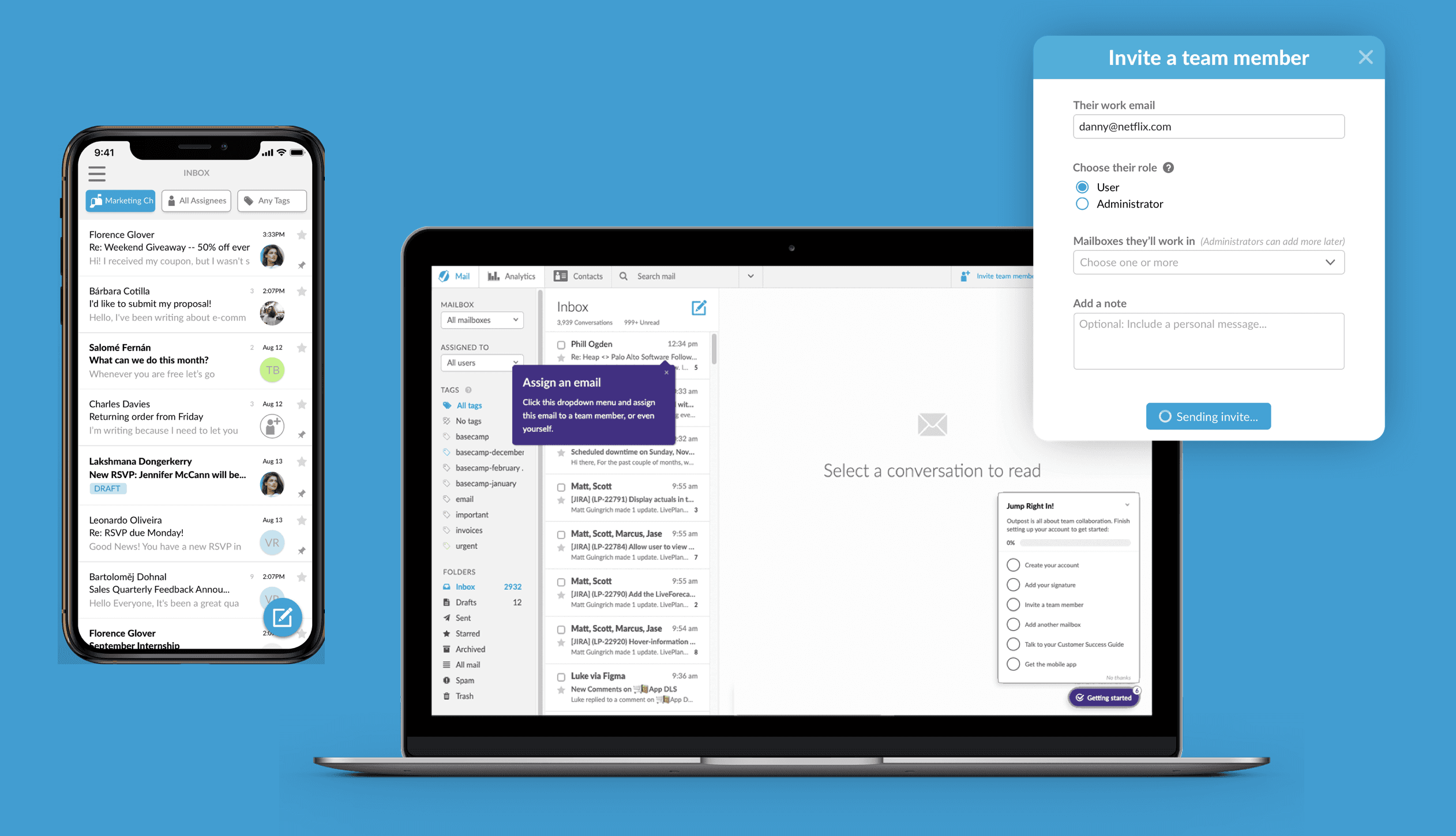
Mobile email app
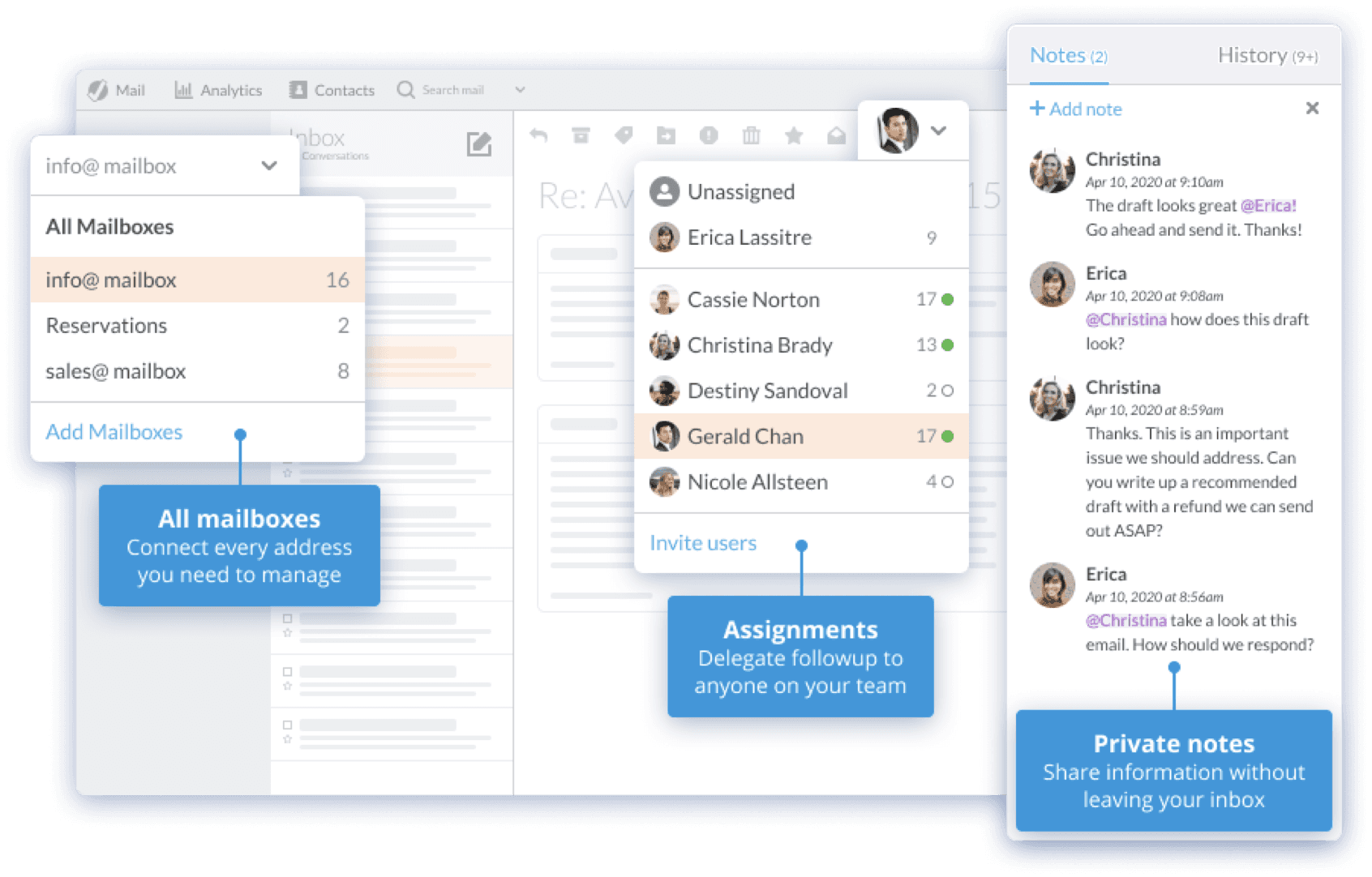
Details / My Role
As the only product designer and acting PM on this project, I worked with 2 engineers to prioritize, plan, design, and build our biggest blocker to conversion – a mobile app. I led our effort - from specs to launch, and within 4 months, we had an alpha, 2 months later - a beta in TestFlight with paying customers, and 3 months after that, an iOS app ready for the app store. Then we moved on to Android.
We knew that the number one reason users leave us for the competition was for lack of a mobile app. But beyond that, we had little detail into the expectations and robustness of the mobile feature set. So we went digging. We did a thorough competitive analysis and then an investigation of our own features. We mapped out a plan to build an MVP that we could test iteratively with users. Then we put together some rough criteria for alpha, beta, and an app store launch.
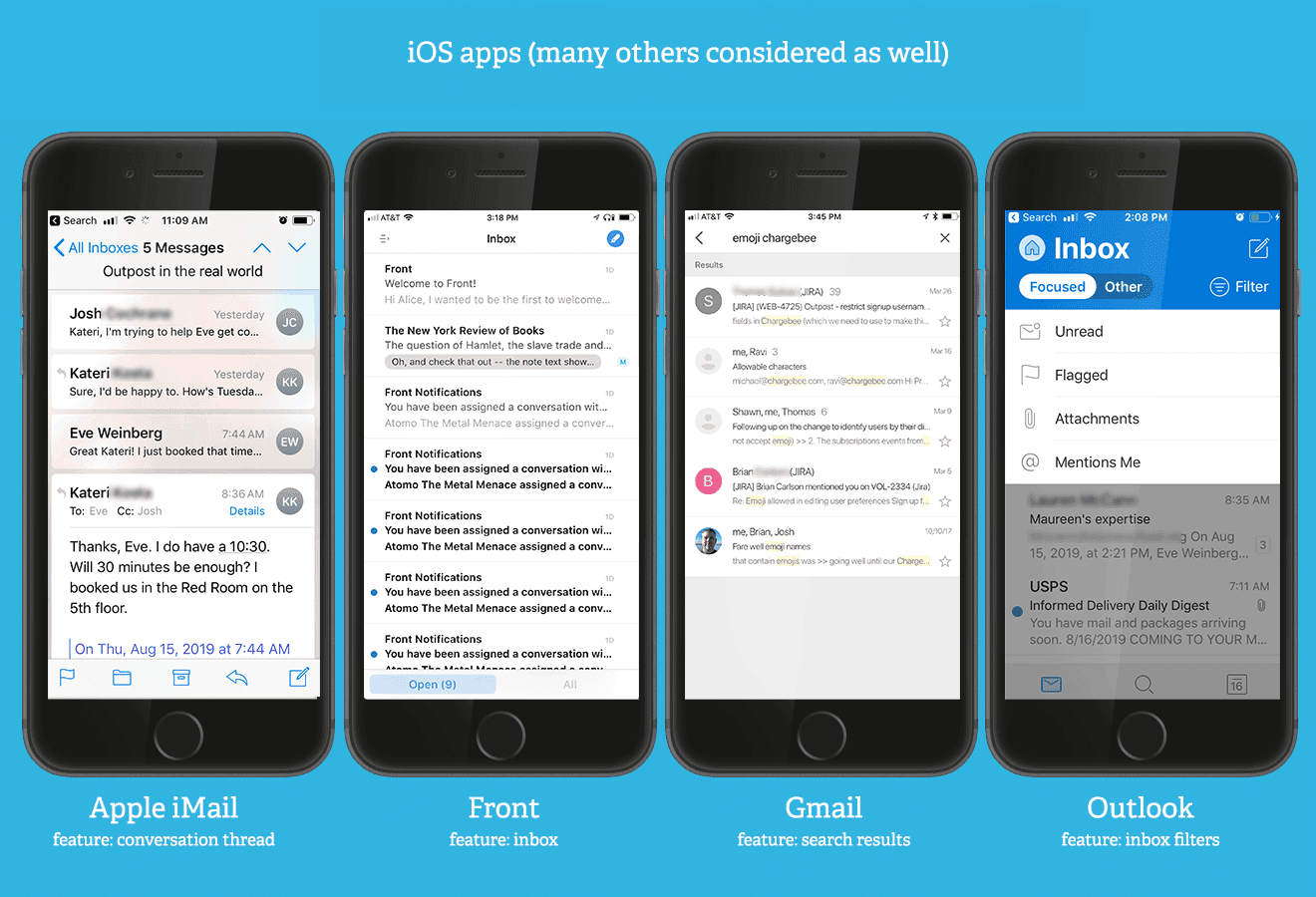
Looking at the webapp, we decided early on that our guiding principle was to maintain the interaction model from web, within mobile. Leveraging expected mobile affordances and interactions only made this model more user friendly. We also decided that we would create one experience for iOS and Android, that might blend some of the native affordances of both platforms. For example, Apple's bottom tab nav, or Android's floating buttons.


It's so hard to capture the hundreds of wireframes that get created, but here are a few.
We used these wireframes to align as a team, but also to conduct usability tests. I created a 30 minute script that we were able to run through with internal stakeholders, and external users. We refined the layout, UX, and UI iteratively until we had confidence.

Conversation Detail flow
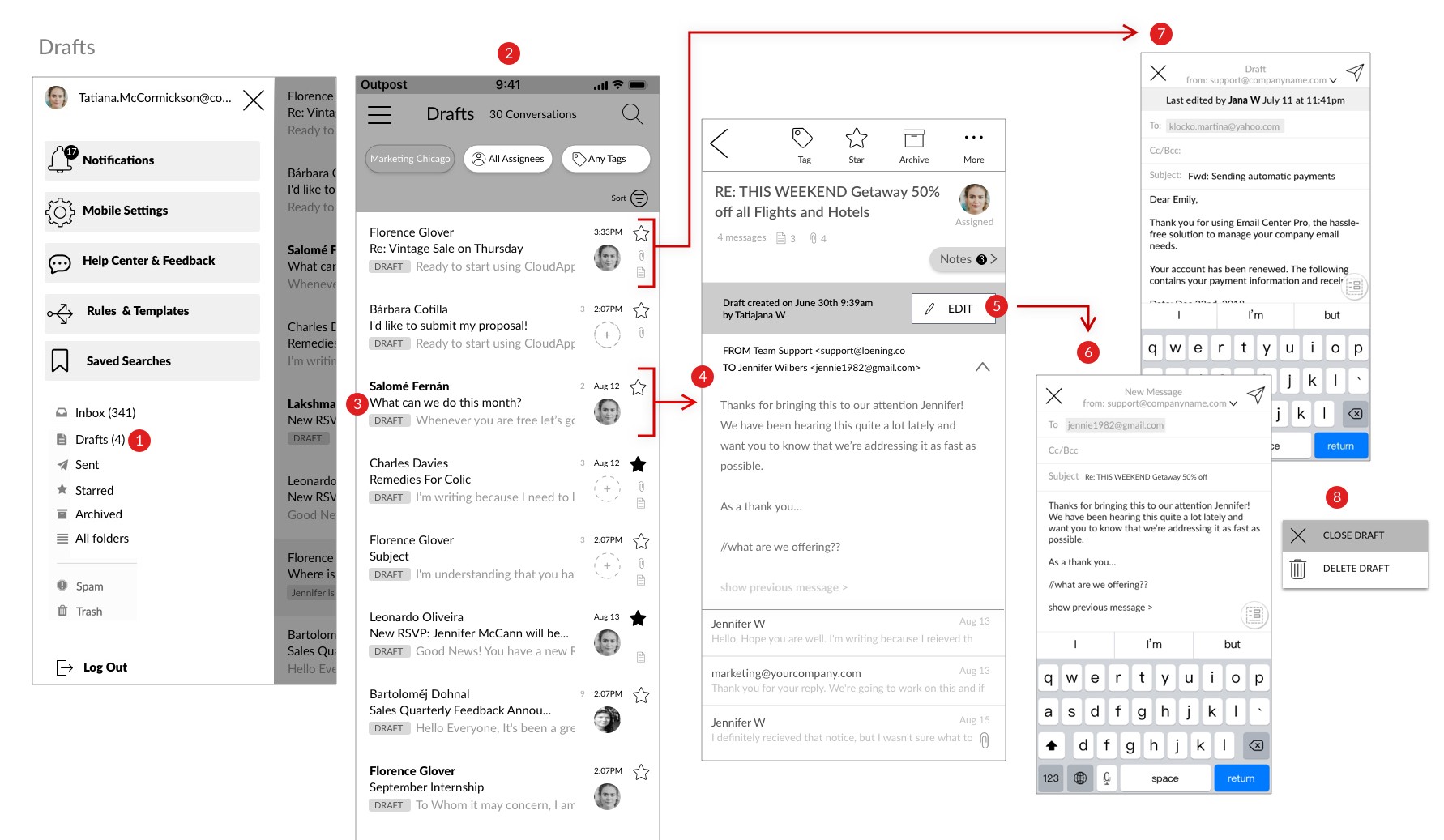
Drafts flow

Notifications flow
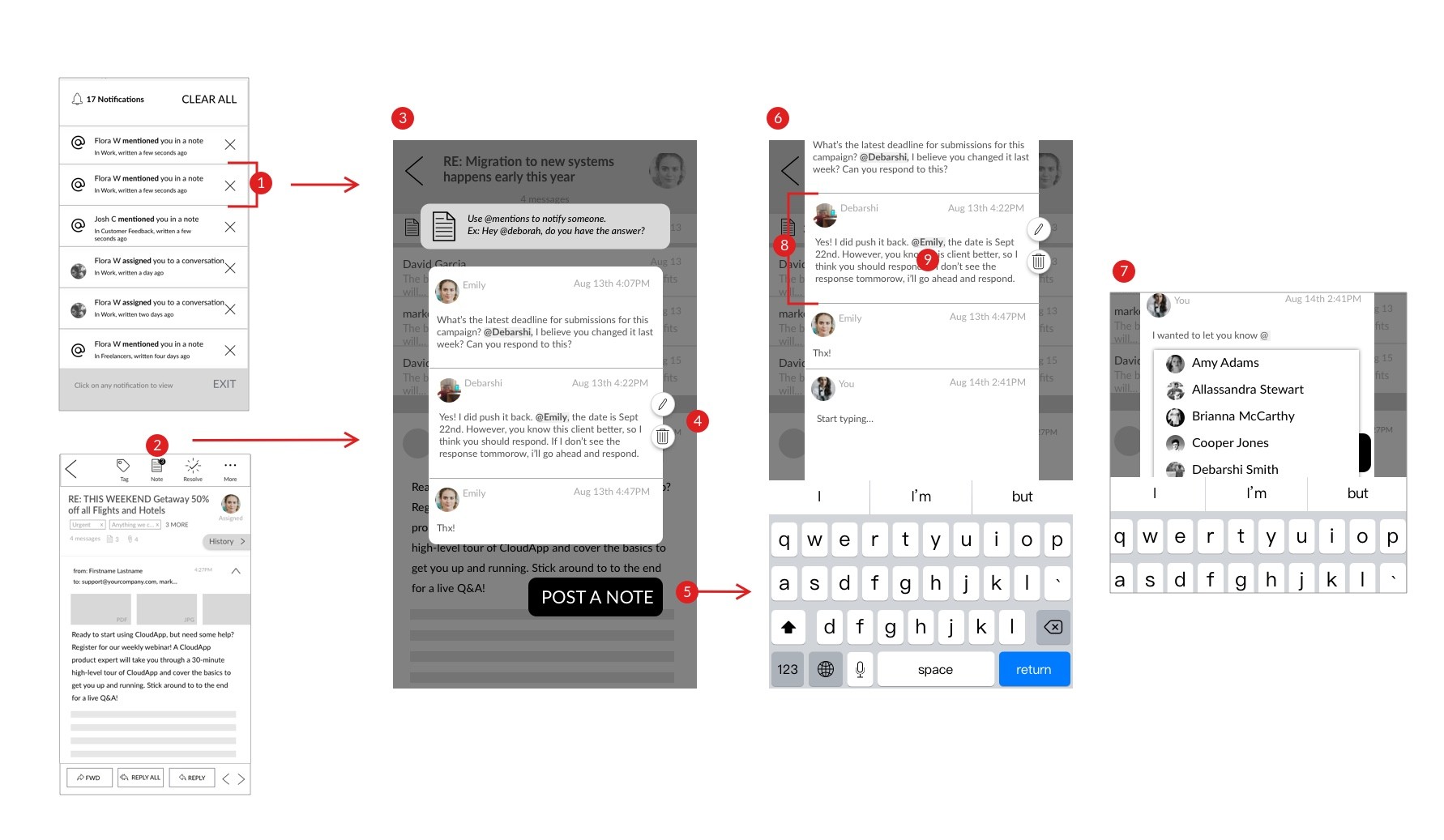
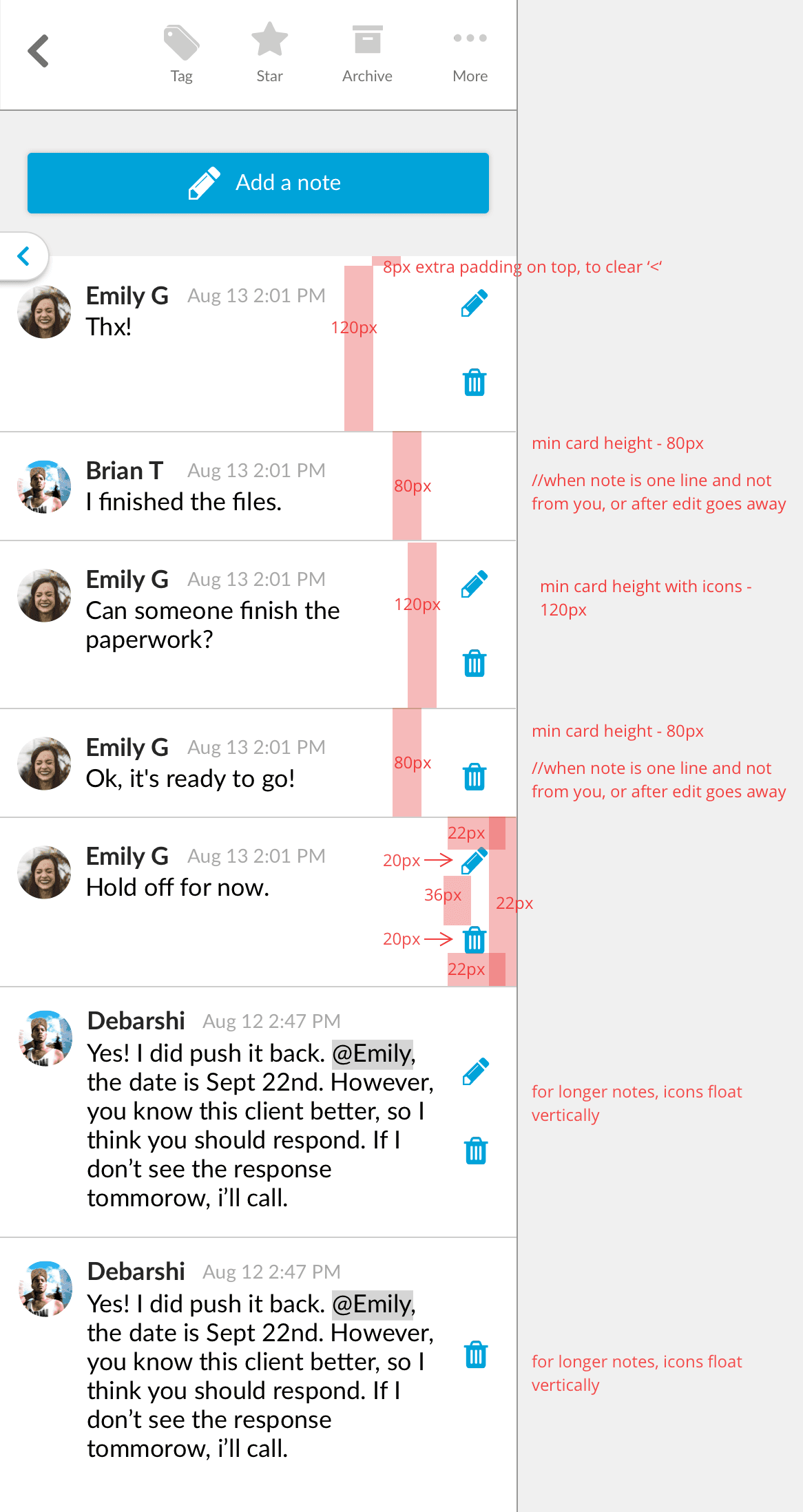
Private notes flow
Here are a few early prototypes, made with Principal for mac. These were used for usability validation and helped us iterate towards a final UI.

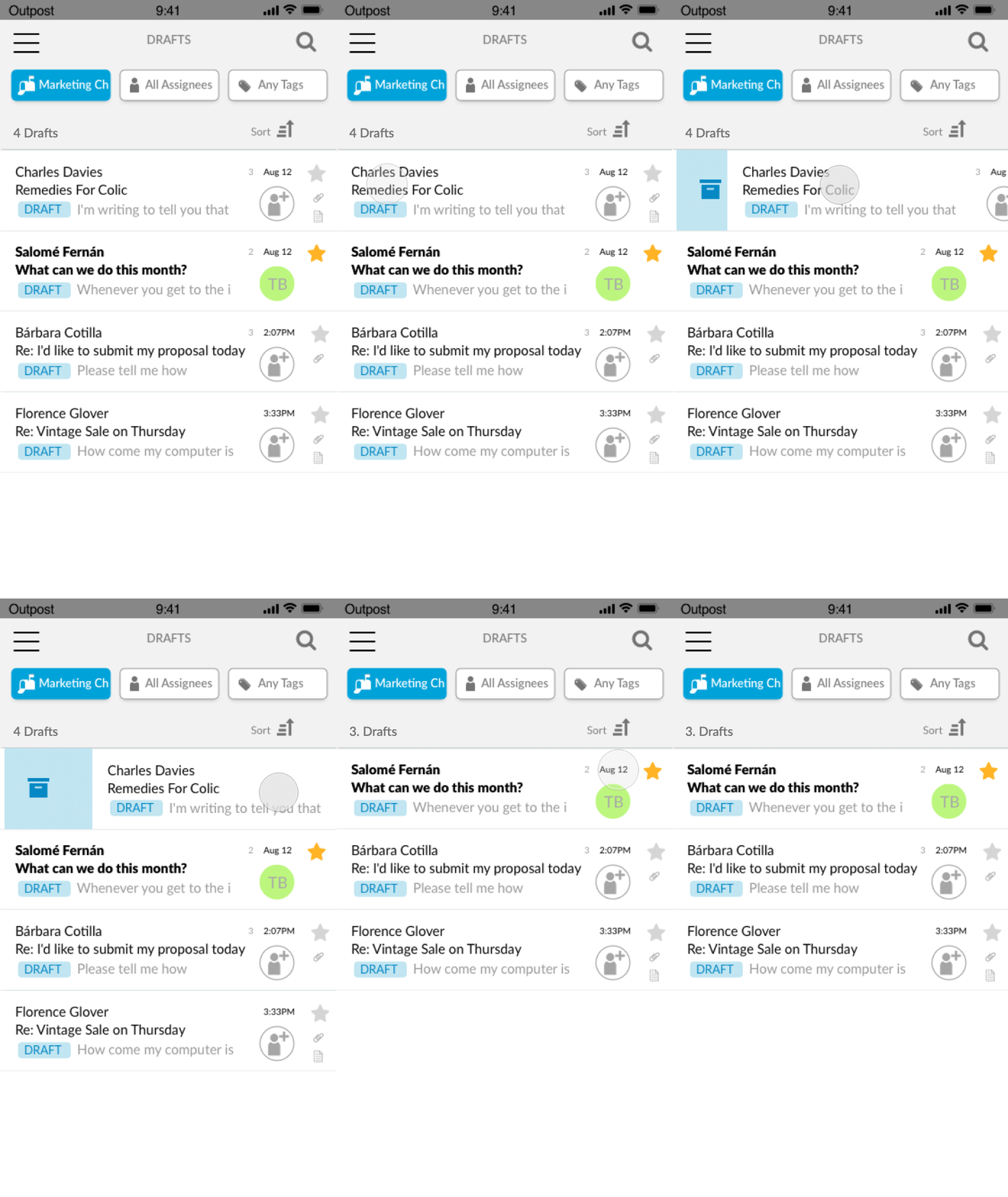
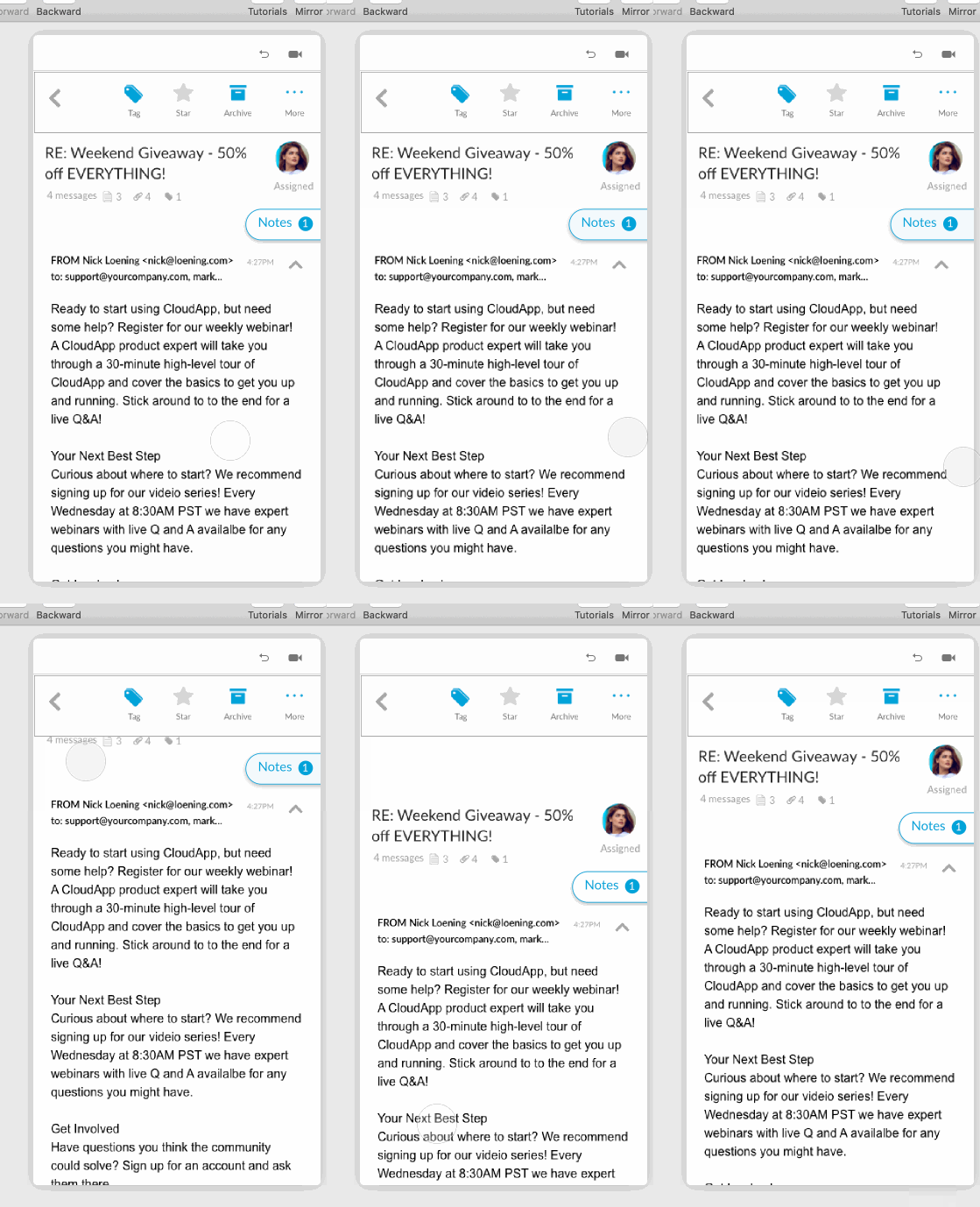
Here is the final UI that was shipped.
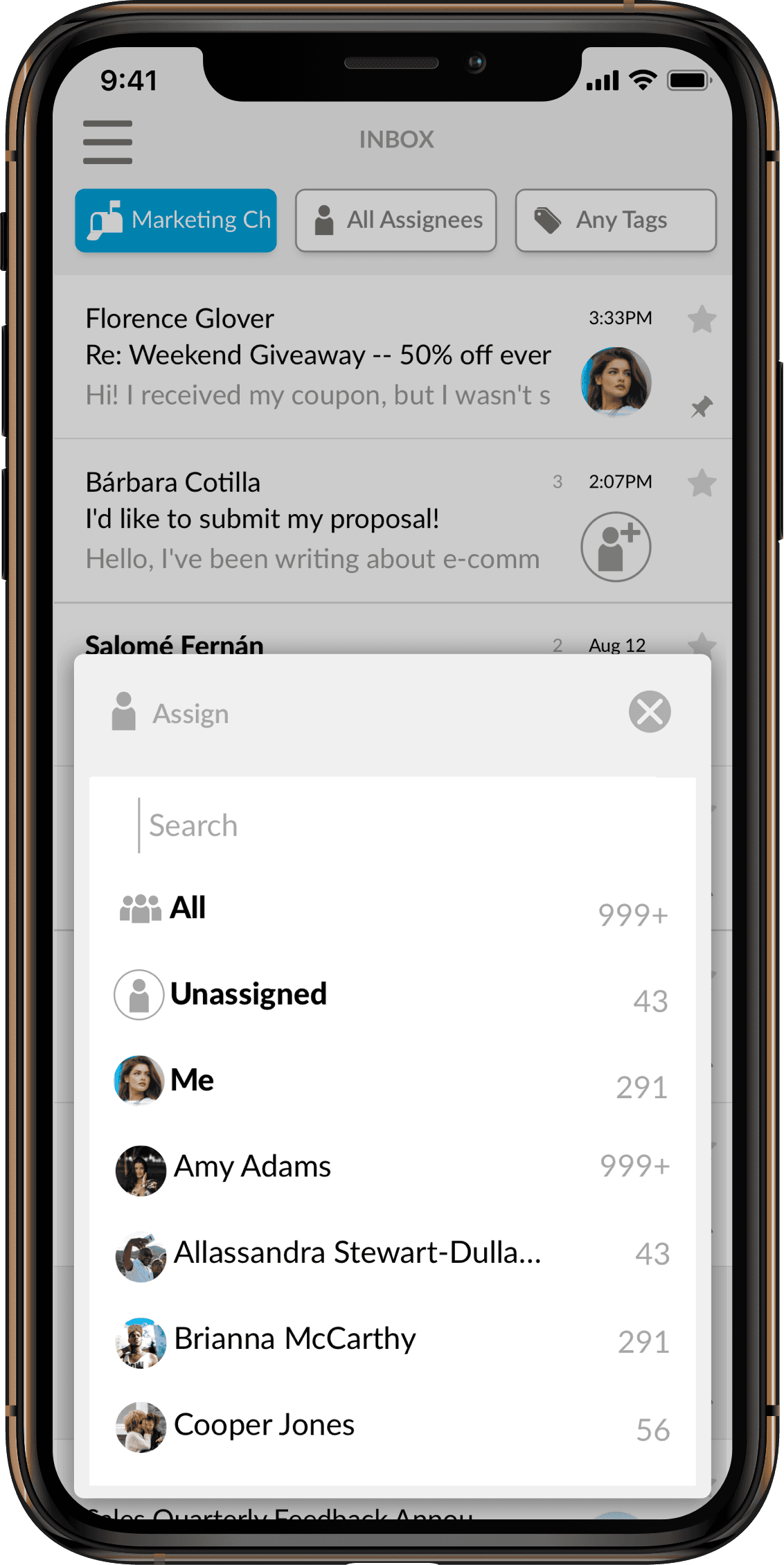
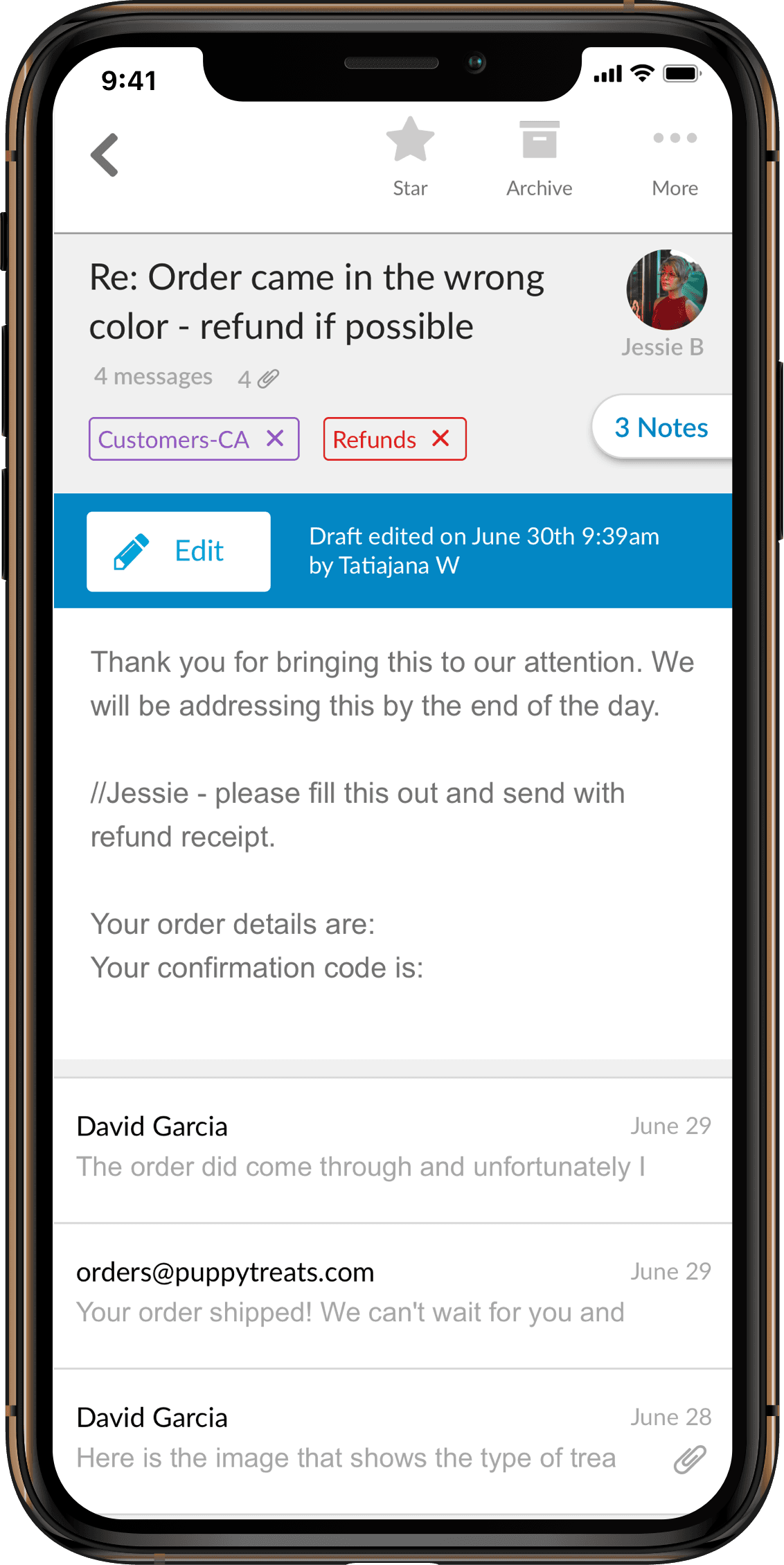

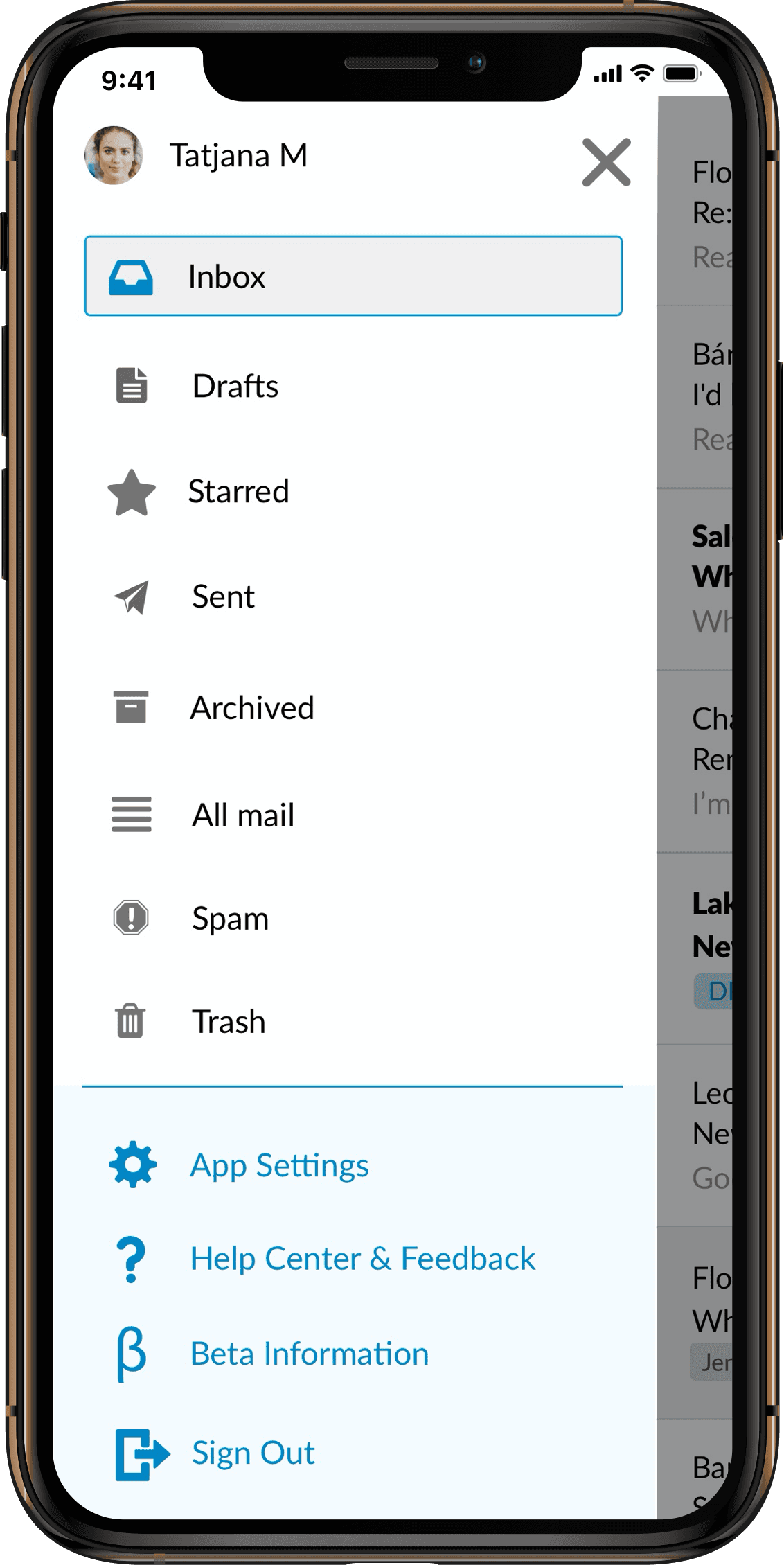
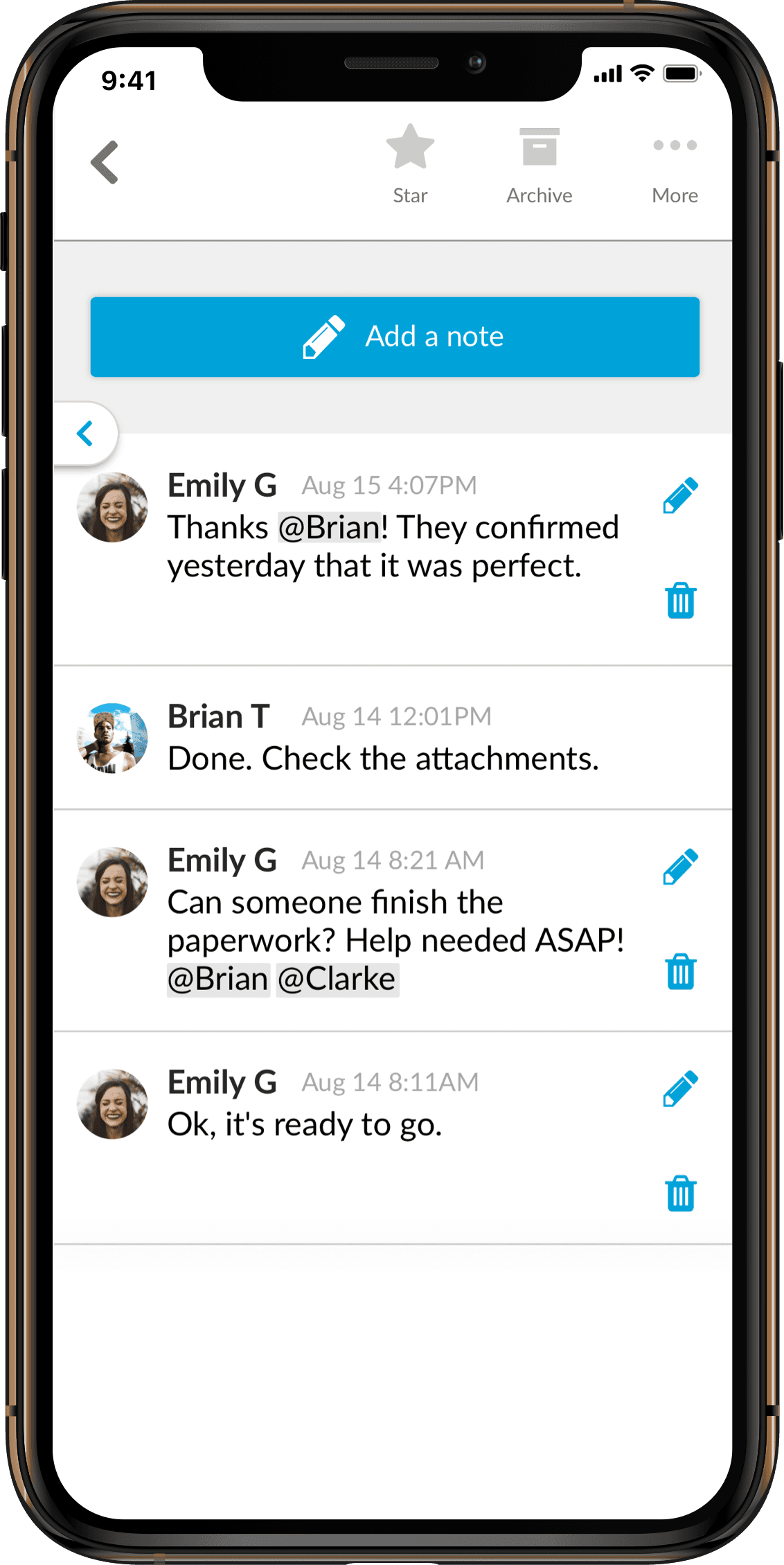


Within a few months of the first day of ideation, we had an internal alpha, then quickly invited customers and trial users to a beta, and finally an Apple app store launch. During beta, I worked closely with Marketing and Sales to create a buzz and launch plan for both public beta, app store, and android play store.
Later we moved on to android.
As a lead designer, it was a welcomed challenge to also PM this project. Getting to test out a kanban approach, as opposed to sprints was extremely effective for an MVP launch.
Main KPIs:
1. Existing customer downloads and usage (per user and per team)
2. Usage of mobile vs desktop
3. Zero trial cancellations due to a lack of a mobile app.